
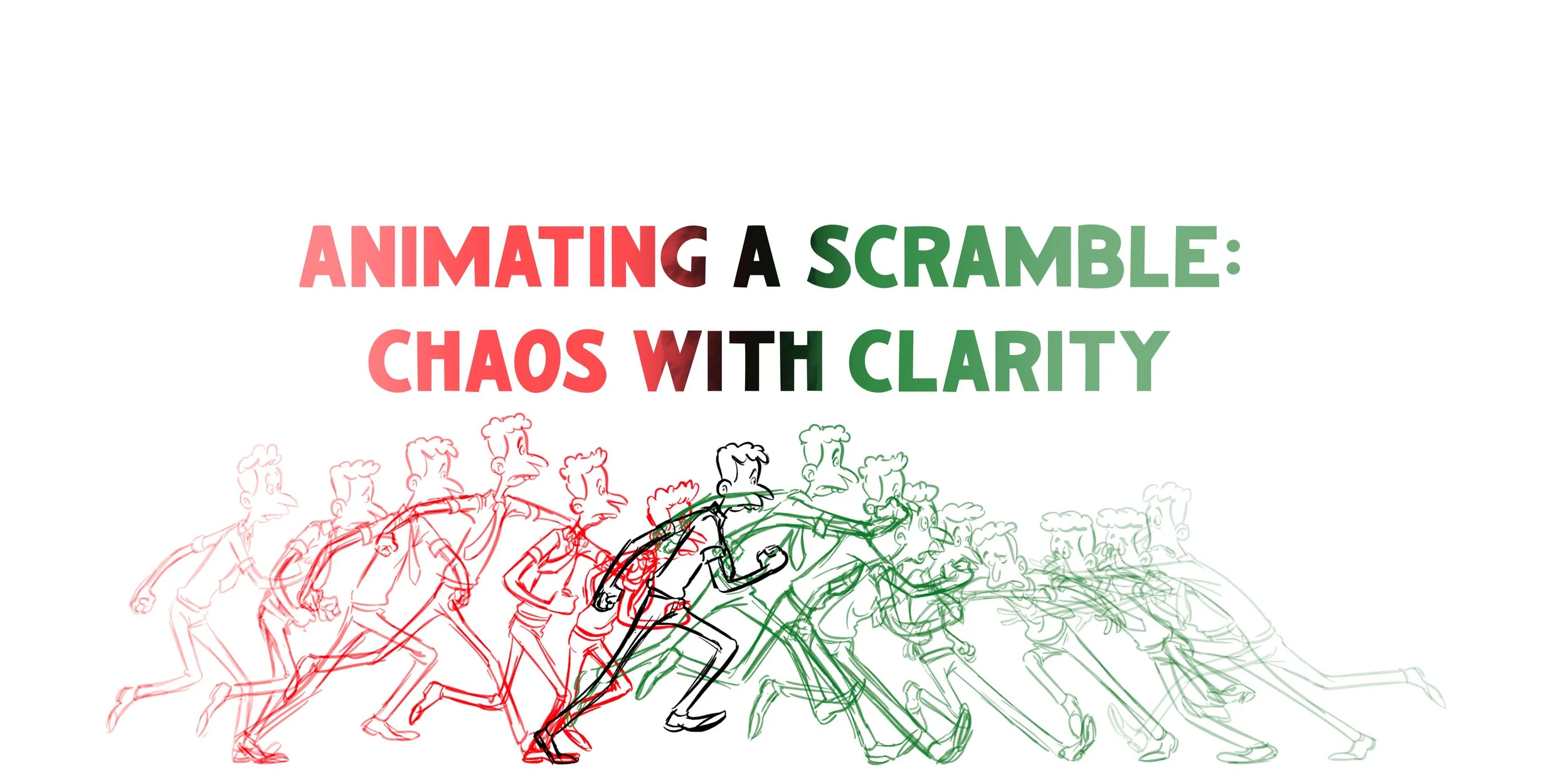
Animating A Scramble: Chaos With Clarity
Ever wonder what goes through an animator's mind while they're working? In Animating a Scramble: Chaos With Clarity, you'll get a front-row seat to Nik Rainier's creative process as he animates a scramble from scribble pass to tie-downs. Rather than focusing on following a set of steps, this lecture is all about understanding how Nik thinks, solves problems, and makes creative decisions as he works through this shot.
-
SCRIBBLE PASS
-
ROUGH PASS
-
TIE DOWN
-
FULL PROCESS
LECTURE FORMAT
Pre-Recorded narrarated by Nik Ranieri
1 Hour and 5 Minutes of Video 720p
Character turnaround sheet included so you can follow along with your own animation
Full, uncut animation process from scribbles to tie-downs, allowing you to watch Nik's complete workflow from start to finish
• 3 Hours and 30 Minutes of Video 720p
Compatible with PC, Tablet, and Mobile Devices
Language: English
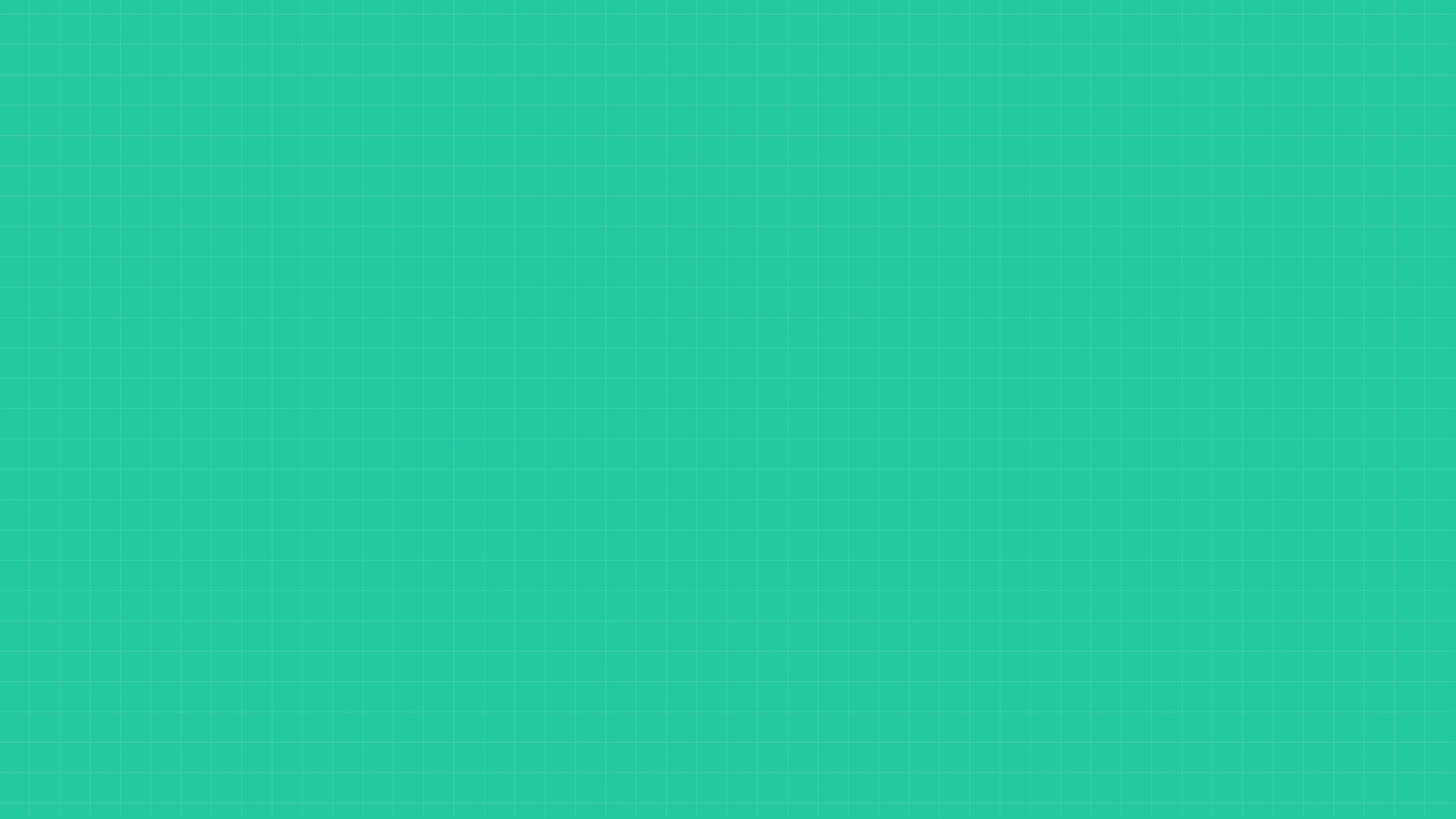
NIK RANIERI
Nik Ranieri is a renowned character animator whose work has helped define some of the most memorable performances in modern animation. During his time at Walt Disney Animation Studios, he brought to life iconic characters such as Lumière (Beauty and the Beast), Meeko (Pocahontas), Hades (Hercules), and Kuzco (The Emperor’s New Groove), showcasing a mastery of expressive acting and comedic timing.
With a career spanning both traditional hand-drawn and CG animation, Ranieri is known for his ability to push personality, clarity, and performance in every shot. His work has earned him multiple honors, including two Annie Awards for Outstanding Character Animation and an Emmy Award.
Blending decades of professional experience with a deep understanding of character and storytelling, Ranieri offers invaluable insight into the craft making him an ideal mentor for animators looking to elevate their skills and bring more life and intention into their work.
Helpful Resources
-
The Art Club Discord is a supportive space for students to connect, share their work, and grow together as artists. Along with accessing course materials, you can post your lecture exercises and get helpful feedback from both instructors and fellow students.
It’s a great place to see how others approach the same assignments, pick up new ideas, and learn from different perspectives. Whether you’re asking questions, sharing progress, or joining in discussions, the Discord is there to support you throughout your character design journey.
DISCORD LINK -
For this course, you can use whatever drawing tools you feel most comfortable with, whether that’s traditional or digital. Pencils, pens, markers, and sketchbooks are great for exploring form, gesture, and expression. If you prefer working digitally, tools like drawing tablets and software such as Adobe Photoshop, Clip Studio Paint, or Procreate can give you the flexibility to work with layers and easily revise your drawings.
You don’t need every tool to succeed, just something that lets you draw and explore ideas. Feel free to experiment with both traditional and digital approaches to discover what works best for your style and workflow as you bring your characters to life.