Children's Books: A Simple & Cozy Approach
Want to make a children’s book? Children’s Books: Simple & Cozy Approach walks you through the process from first idea to finished illustration. Learn simple workflows, build expressive characters, and create your own picture book along the way!
-
Intro
-
PRESENTATION
-
Clarity Not Complexity
• Don’t Be Afraid of Negativity
• See the Forest Through the Trees
• It’s Not That Deep, and That’s OK! -
Character Design for Narrative Illustration
• The Grass Isn’t Green, The Sky Isn’t Blue
• Pops of Neutral
• It’s Going to Feel Like Moving Furniture -
Color Mood Visual Cohesion
• The Grass Isn’t Green, The Sky Isn’t Blue
• Pops of Neutral
• It’s Going to Feel Like Moving Furniture -
Creating a Fuller Scene
• Look at How to Breakdown a Composition
• Learn to Analyze an Image
• Make Scenes Look Full and Read Clearly -
Visual Storytelling and Sequential Art
• Storybook Layout Styles: Spots, Vignettes, Half Page, Full Page, Spreads
• How Layout is Used for Pacing
-
-
DEMONSTRATION
-
Demo: Thumbnailing
• Experiment with placement, size, and grouping
• Fill the space without cluttering it
• Create a clear visual read
• Redraw and refine the final composition -
Demo: Coloring a Page - Part 1
• Using the Pen Tool, Paint Bucket Tool, Warp Tool, Clipping Masks
• Layer Organization -
Demo: Coloring a Page - Part 2
• Combine simple shapes into one unified outline
• Establish the base colors across the entire illustration before rendering, adjusting color harmony, and adding texture -
Demo: Coloring a Page - Part 3
• Make a Color Reference for consistent color choices throughout the scene
• Use Intentional Brushstrokes
• Choose colors directly
• Adding smaller background details to fill the composition
-
-
Outro

LECTURE FORMAT
Pre-Recorded learn at your own pace instruction
1 Hour and 42 Minutes of Video (1080p)
Practice Sheets (Printable or Digital) to complete after each lesson
John John’s Working Files from the Demonstration
Compatible with PC, Tablet, and Mobile Devices
Language: English

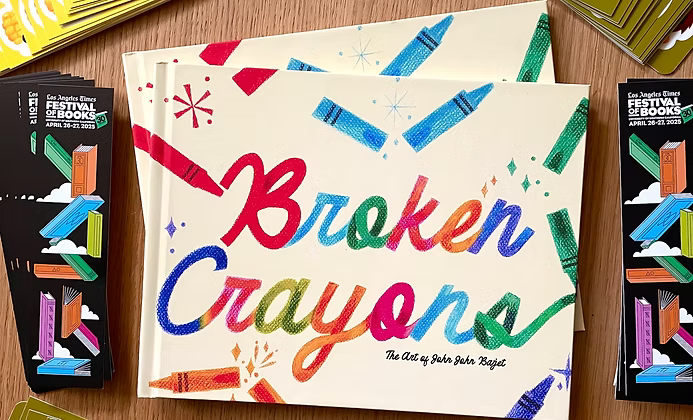
JOHN JOHN BAJET


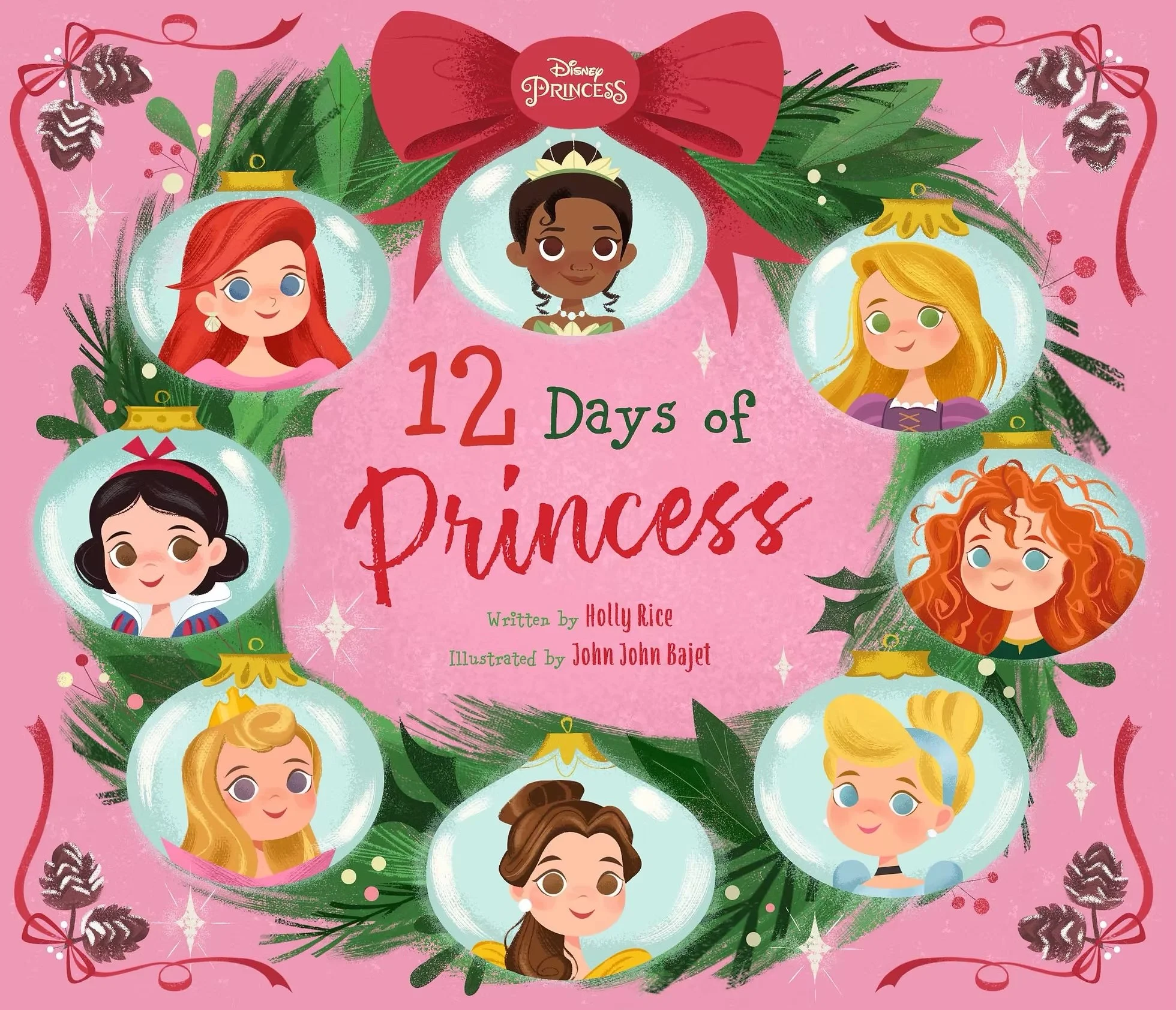
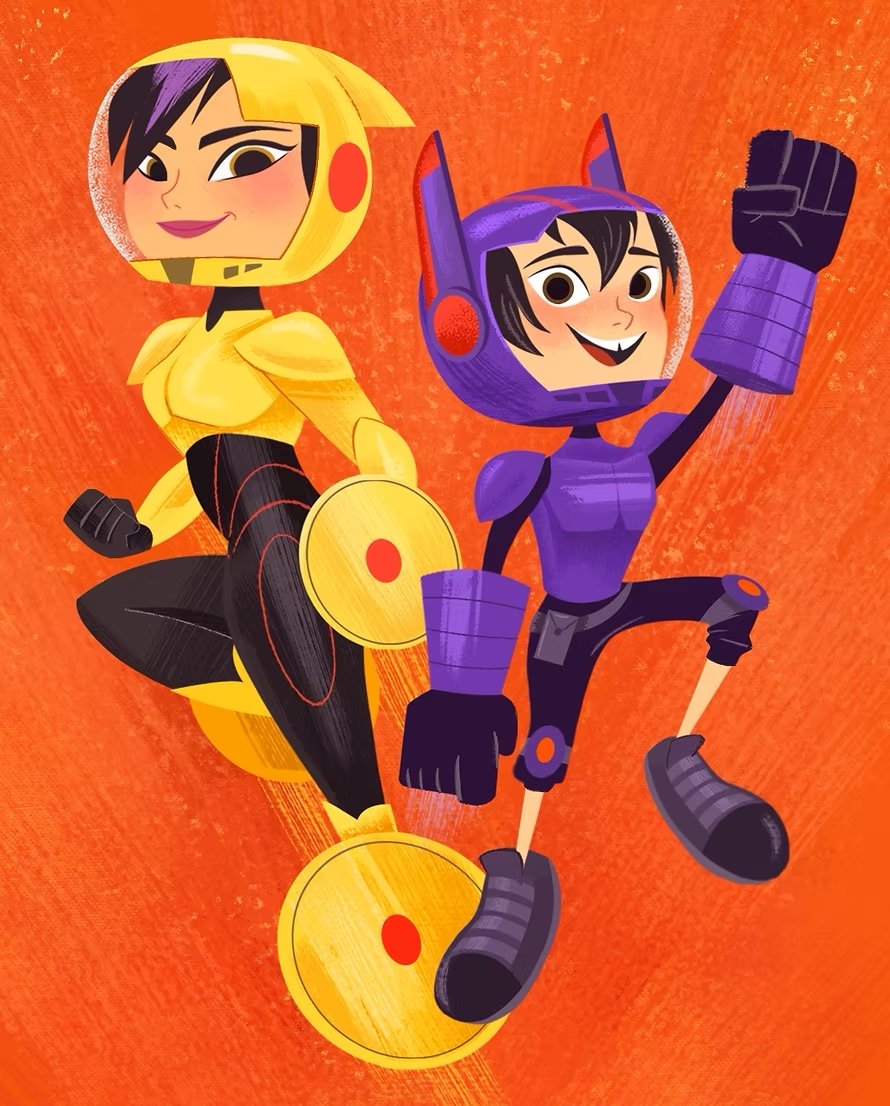
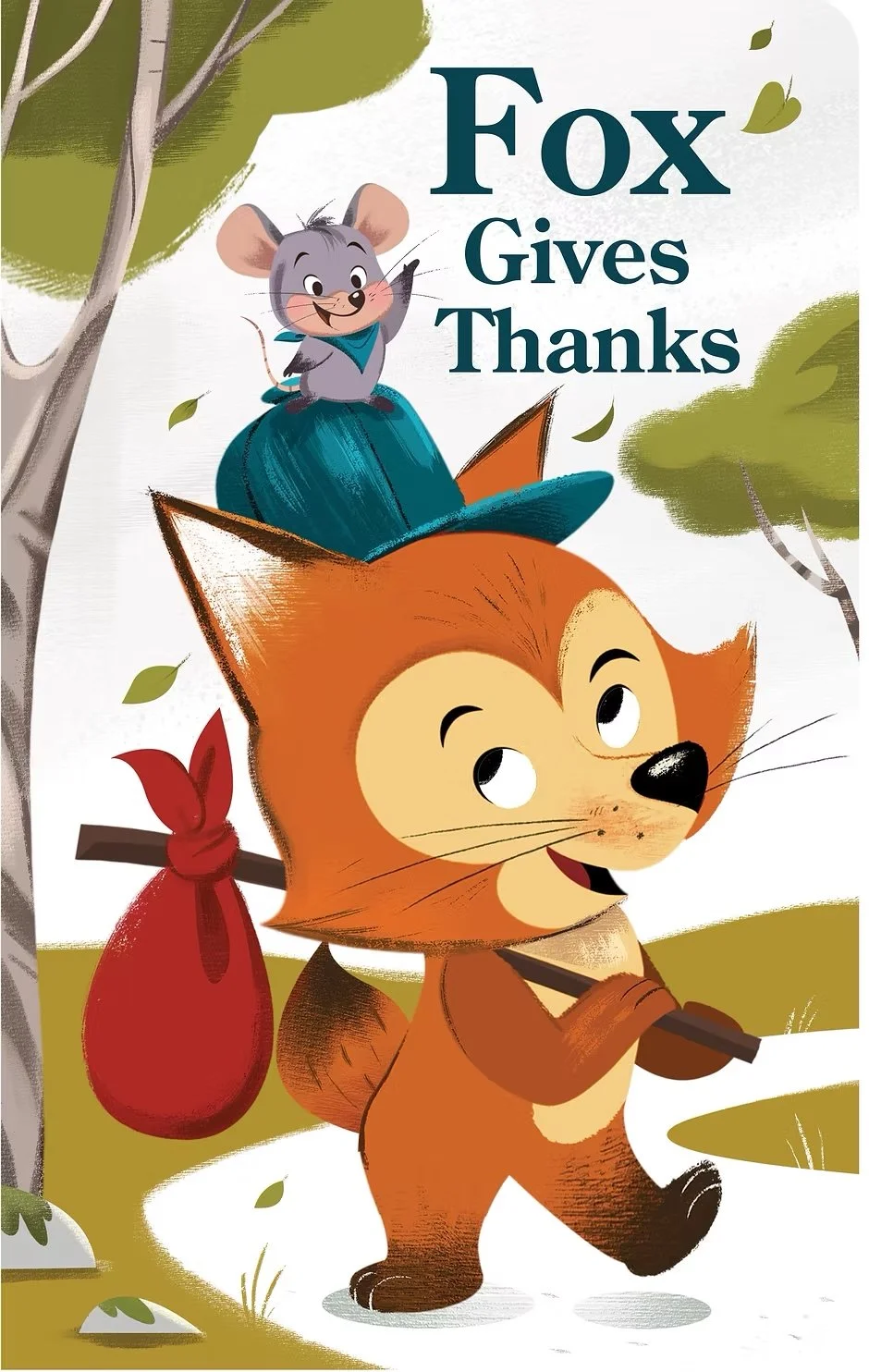
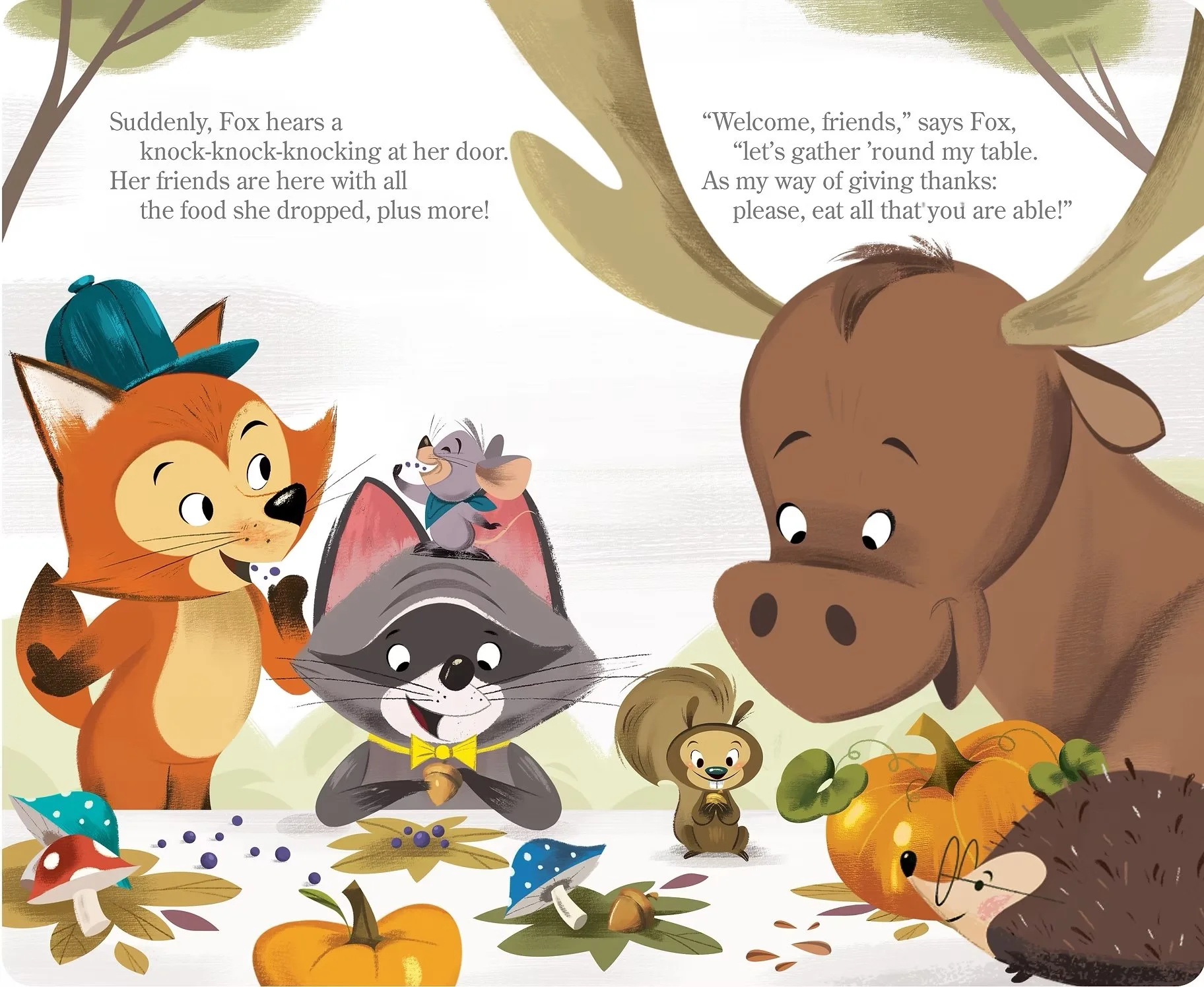
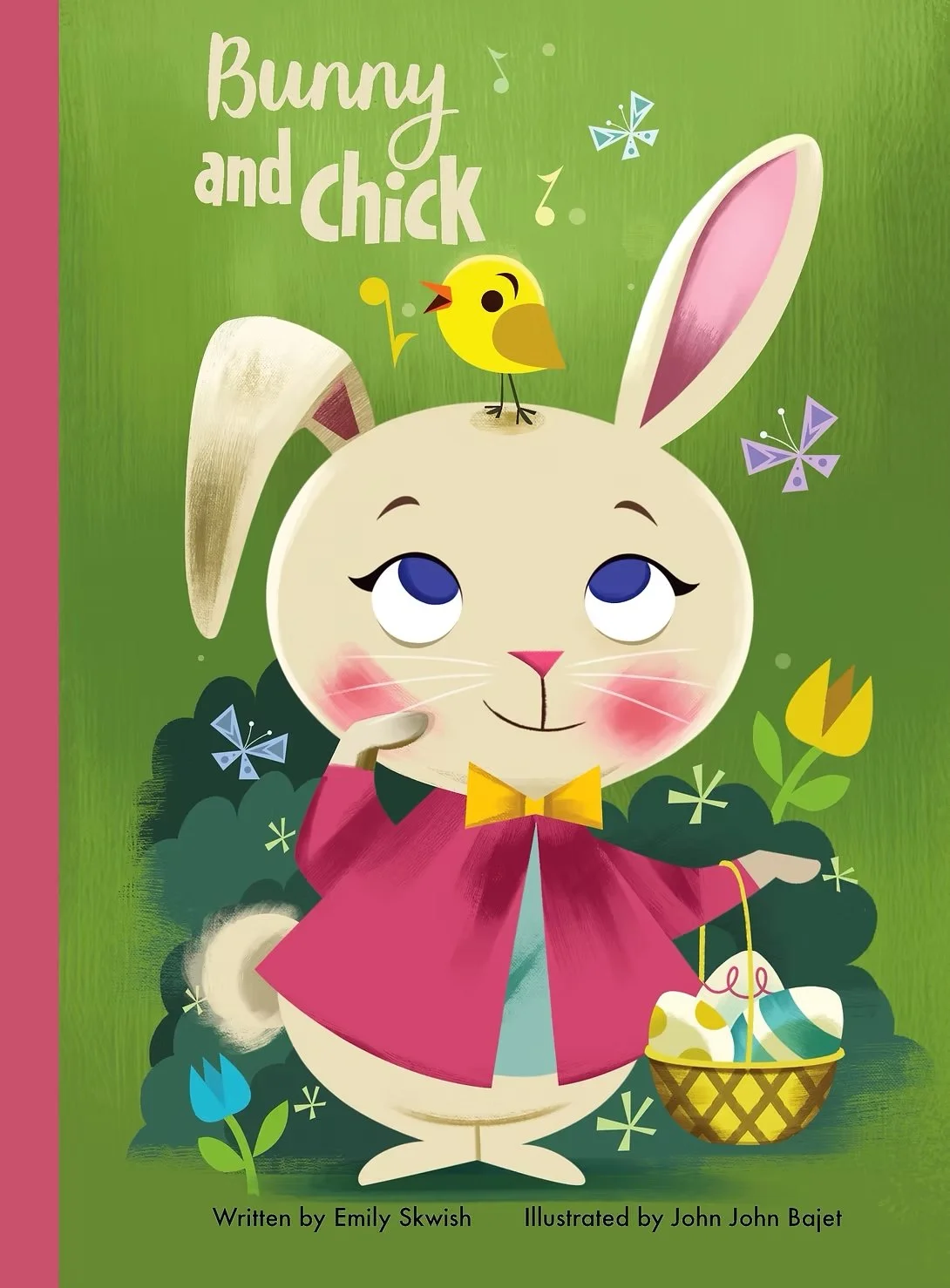
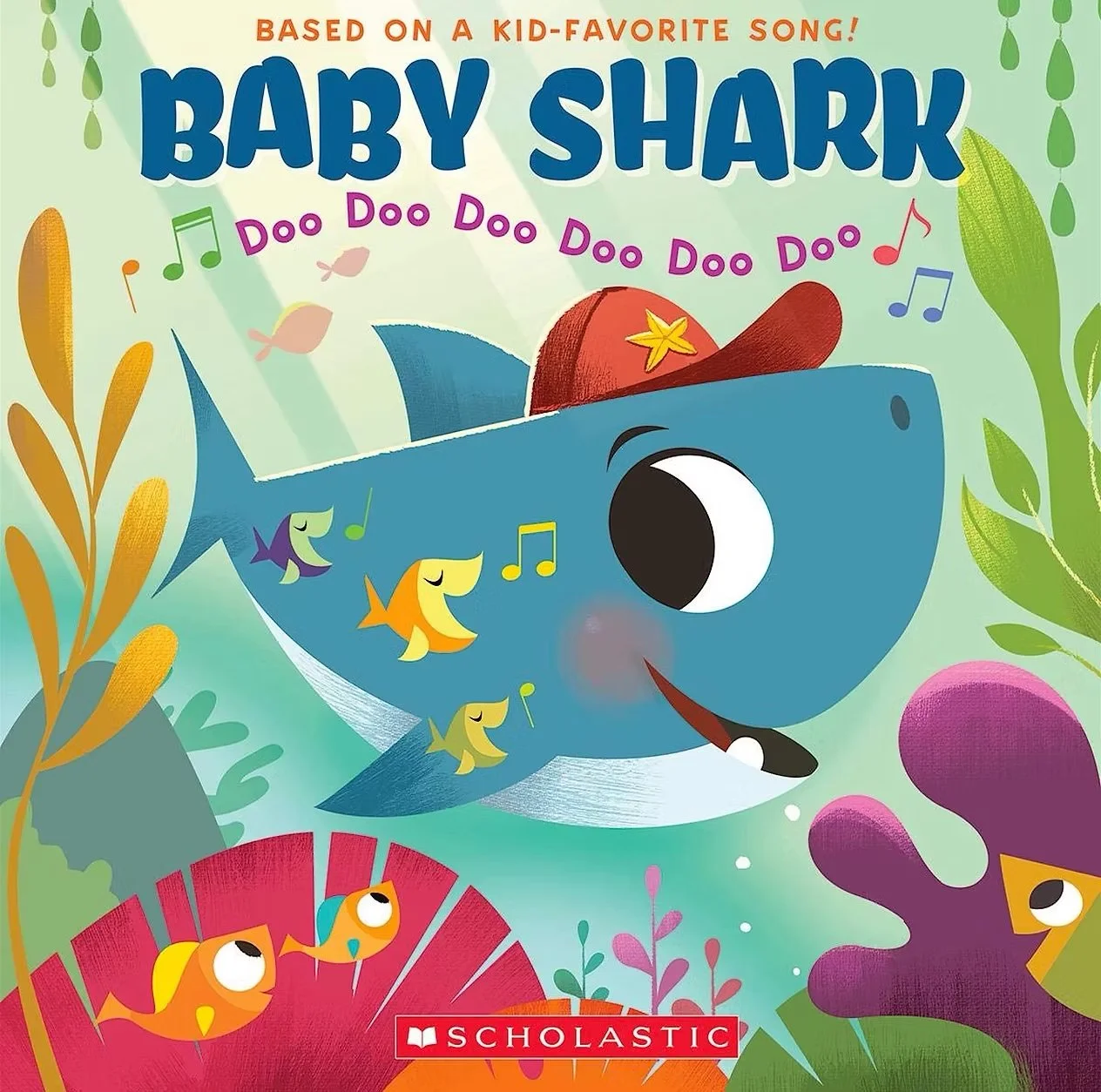
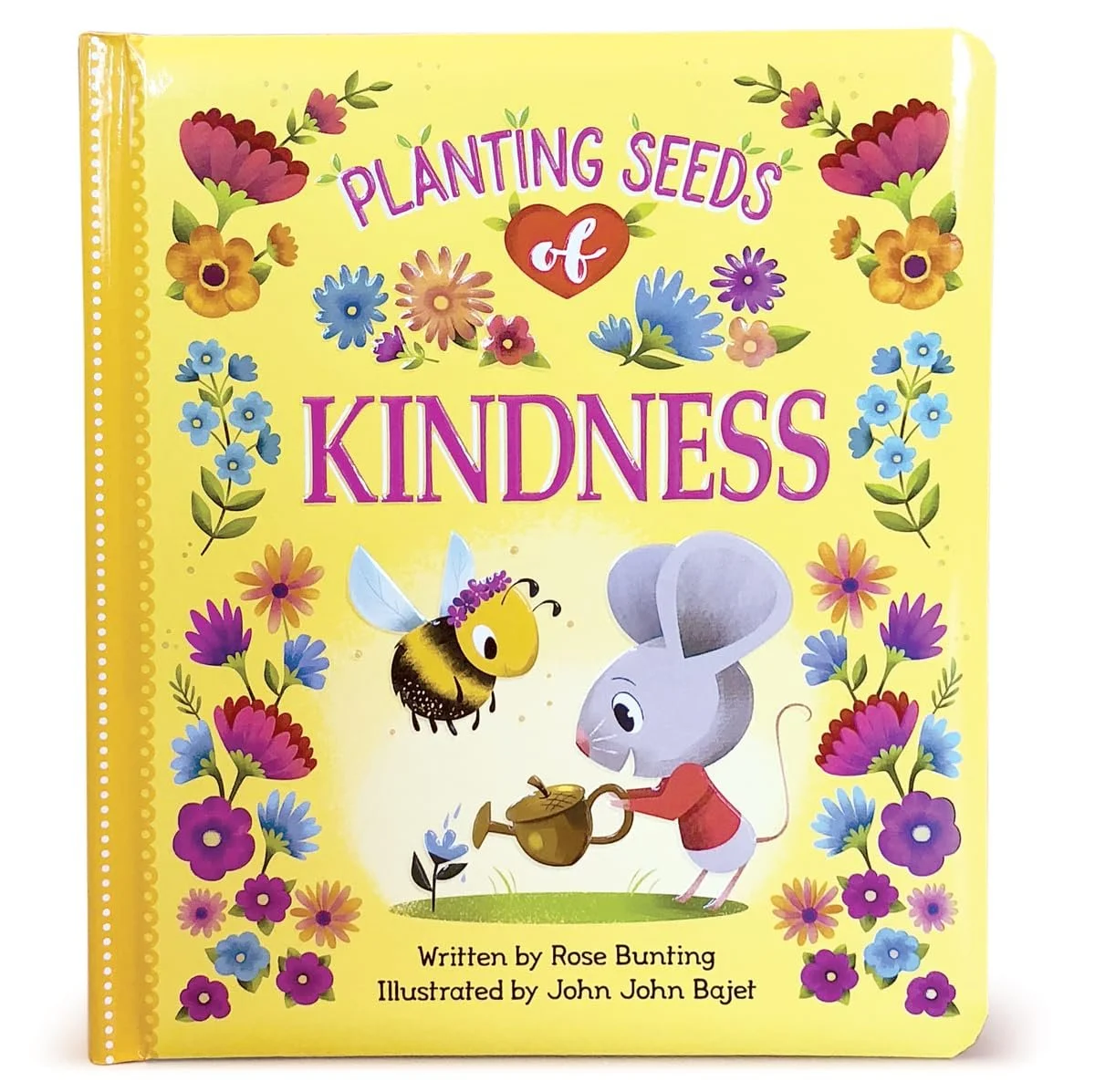
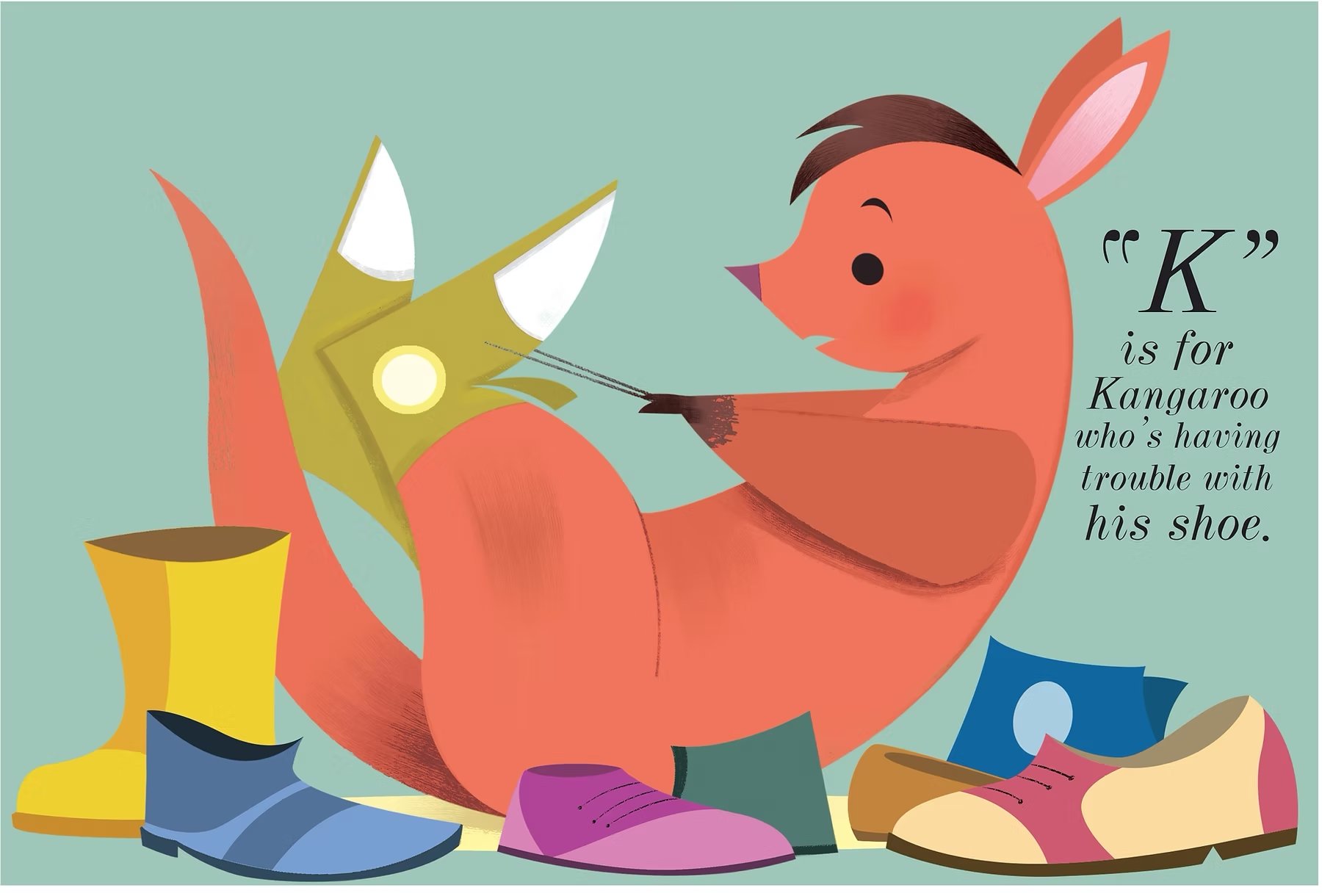
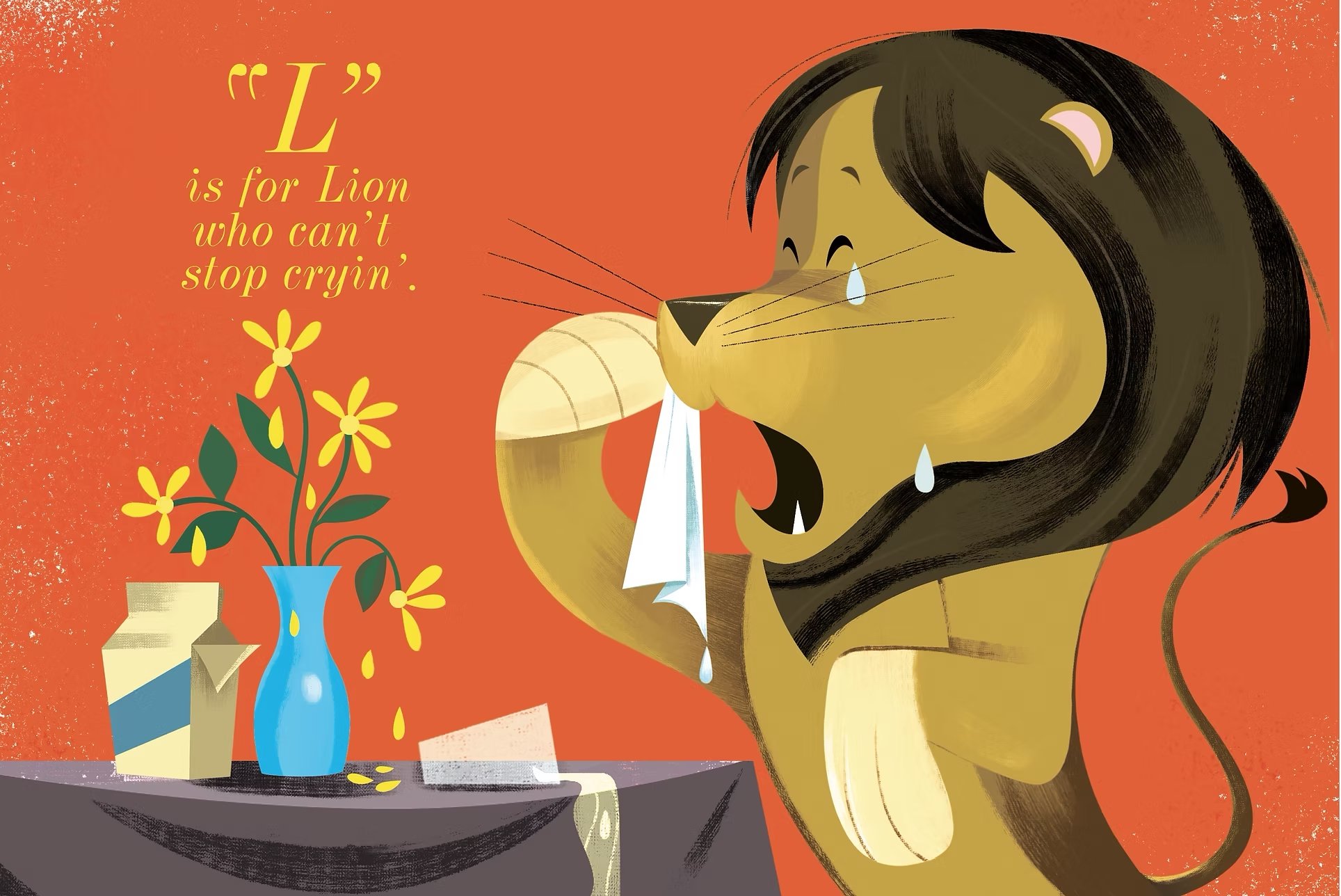
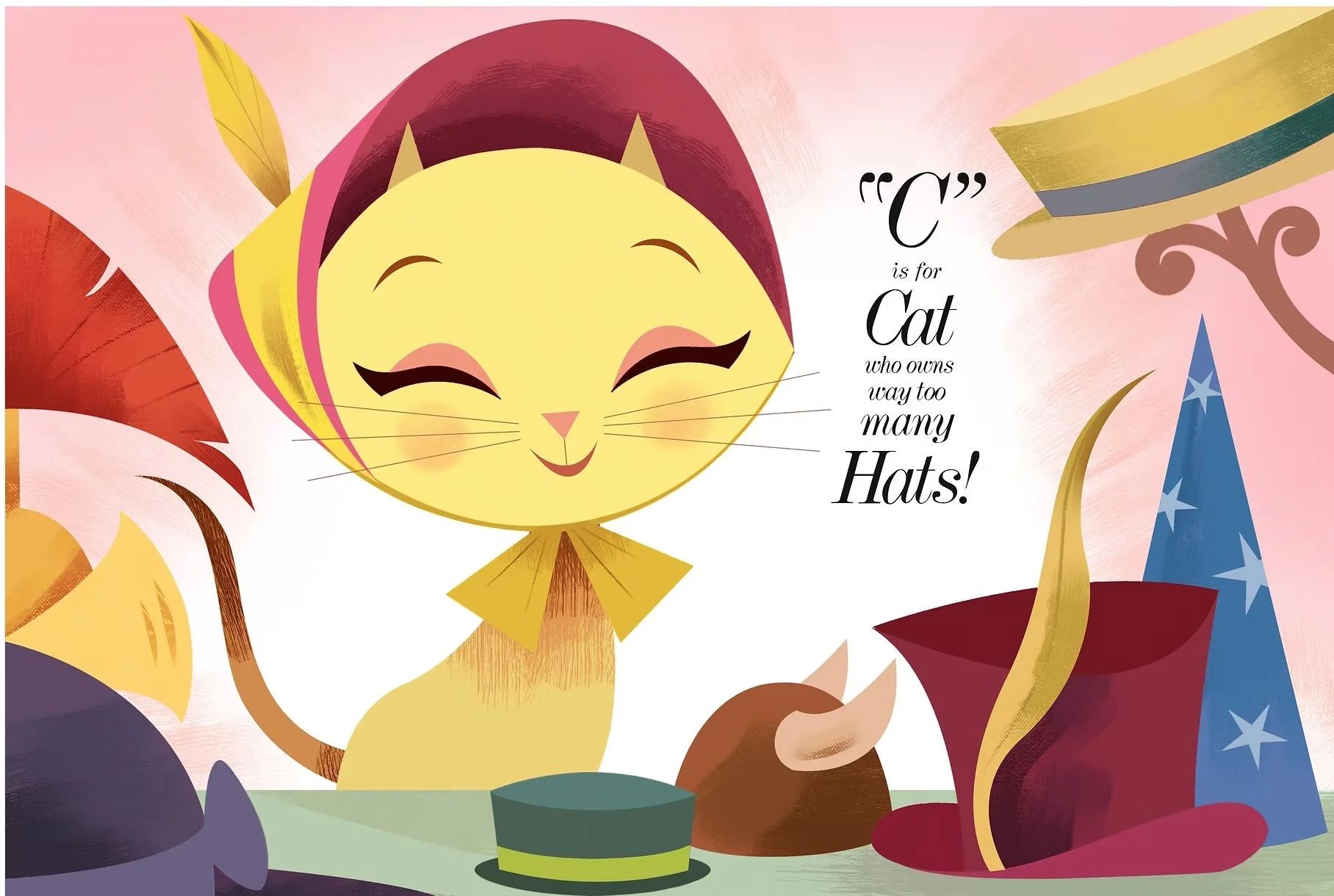
John John Bajet is a children’s book illustrator and animation artist whose work spans around the world. He has illustrated the beloved Baby Shark series for Scholastic and contributed to classic animated shows like Tom and Jerry and SpongeBob SquarePants, bringing humor, heart, and personality to every character and scene. With experience at Disney Publishing and collaborations with major clients including Scholastic, Houghton Mifflin Harcourt, Penguin Random House, Cottage Door Press, Nickelodeon, and Warner Bros., John John combines professional graphic illustration with a story-driven approach. Blending a playful understanding of narration with vibrant, kid-friendly visuals, he specializes in creating illustrations that connect with young readers while helping authors’ stories come to life. From books to television animation, his work demonstrates a love for characters, color, and composition and a commitment to making every page engaging, fun, and memorable.
You can find more of his work at https://www.johnbajet.com/.



Helpful Resources
-
The Art Club Discord is a supportive space for students to connect, share their work, and grow together as artists. Along with accessing course materials, you can post your lecture exercises and get helpful feedback from both instructors and fellow students.
It’s a great place to see how others approach the same assignments, pick up new ideas, and learn from different perspectives. Ask questions, share progress, or join in discussions. The Art Club Discord is there to support you throughout your character design journey.
DISCORD LINK -
For this course, feel free to use whatever drawing tools you're most comfortable with, traditional or digital. Pencils, pens, markers, and sketchbooks are all great options. If you prefer working digitally, a drawing tablet and software like Adobe Photoshop, Clip Studio Paint, or Procreate can offer extra flexibility with layers and make it easy to revise your drawings.
You don’t need every tool to succeed, just something that lets you draw and explore ideas. Feel free to experiment with both traditional and digital approaches to discover what works best for your style and workflow.
John John’s Store