Costume Design: Expression Of Age
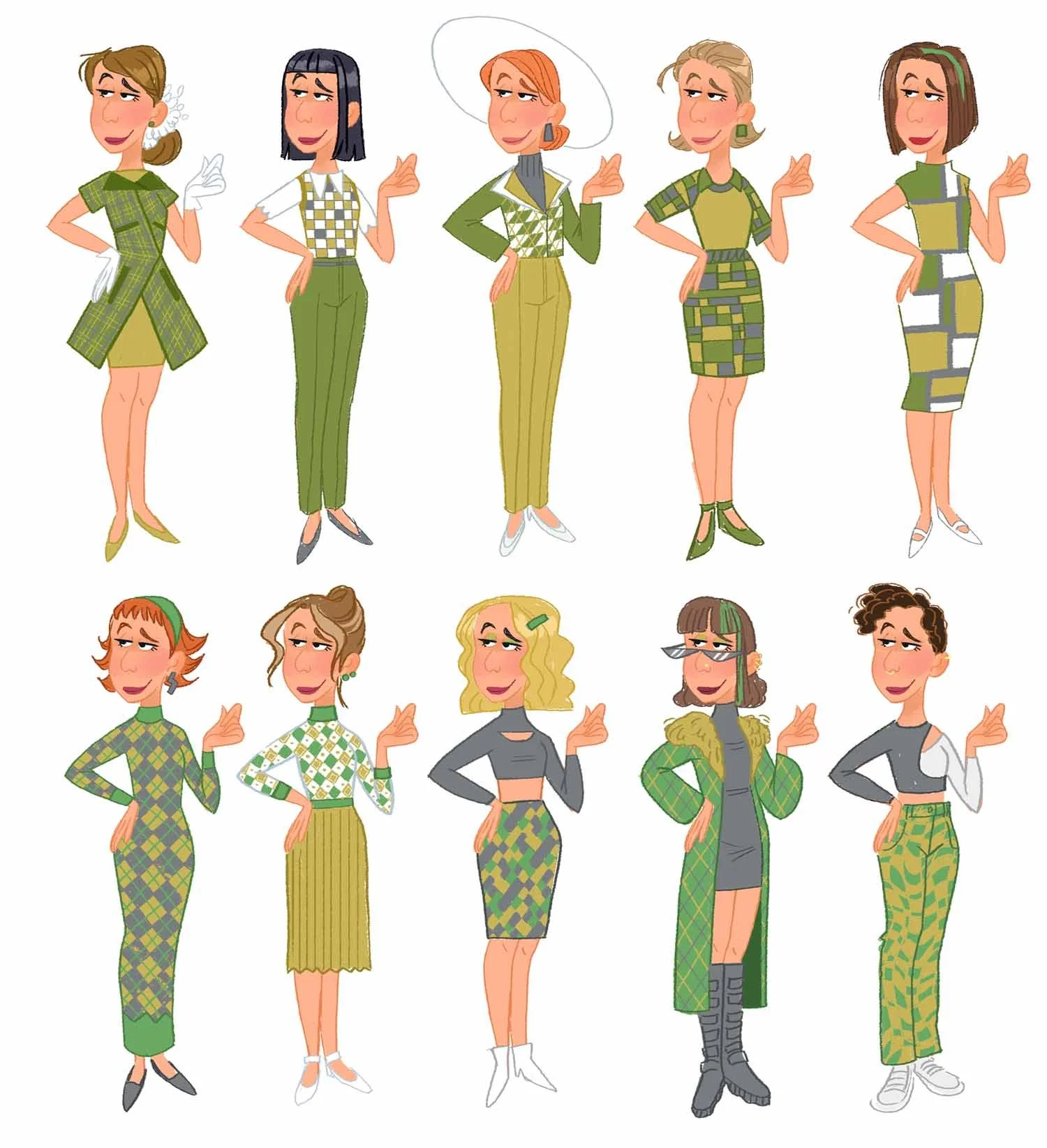
Costume Design: Expression of Age explores how wardrobe choices shape character identity, emotion, and storytelling, with a focus on designing costumes that evolve from childhood to adulthood. Through design theory, research techniques, and analysis of professional examples, you will learn how thoughtful costume design supports character development.
This lecture includes downloadable learning materials and worksheets that can be used alongside the course content.
-
Meet Gabby
-
PRESENTATION
-
COSTUME DESIGN IN FILMS
• How costumes support storytelling in film
• How design reveals character and personality
• How costumes reinforces a production’s visual language -
TEXTILES & MATERIALS | AGE PROGRESSION
• Role of textiles in costume design
• How fabric affects character and storytelling
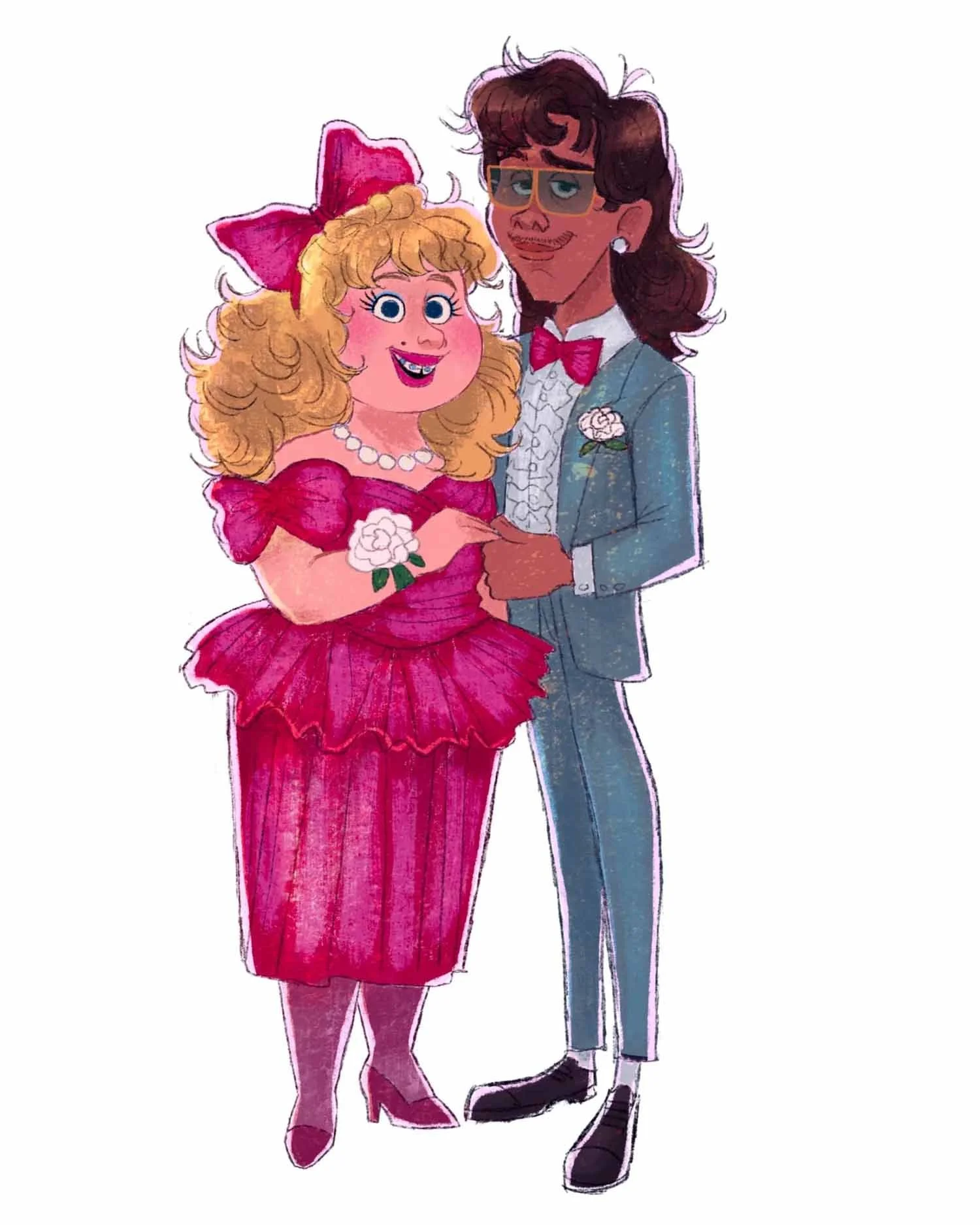
• Building age progression through character life stages
• Using era, culture, and lifestyle to shape design -
RESEARCH, RESEARCH, RESEARCH!
• Research process for costume design
• Gathering and organizing visual references
• Building a design library for age and character development -
AGE LINEUP | COLOR LAYOUT
• Using age lineups to show character progression
• Designing color layouts
• How color supports mood, personality, and storytelling -
COSTUME DETAILS | PACKAGING DESIGN
• Costume design choices and reasoning
• Using shape, era, and references for accuracy
• Keeping consistency and storytelling clarity
• Understanding “packaging design” in costume presentation
-
-
DEMONSTRATION
-
PACKAGING DEMO - PART 1
• Using reference to guide costume design
• Translating ideas into clear line work
• Considering design and storytelling -
PACKAGING DEMO - PART 2
• Refining the costume design
• Applying color and material textures
• Creating front and back character views
• Maintaining consistency across the design -
PACKAGING DEMO - PART 3
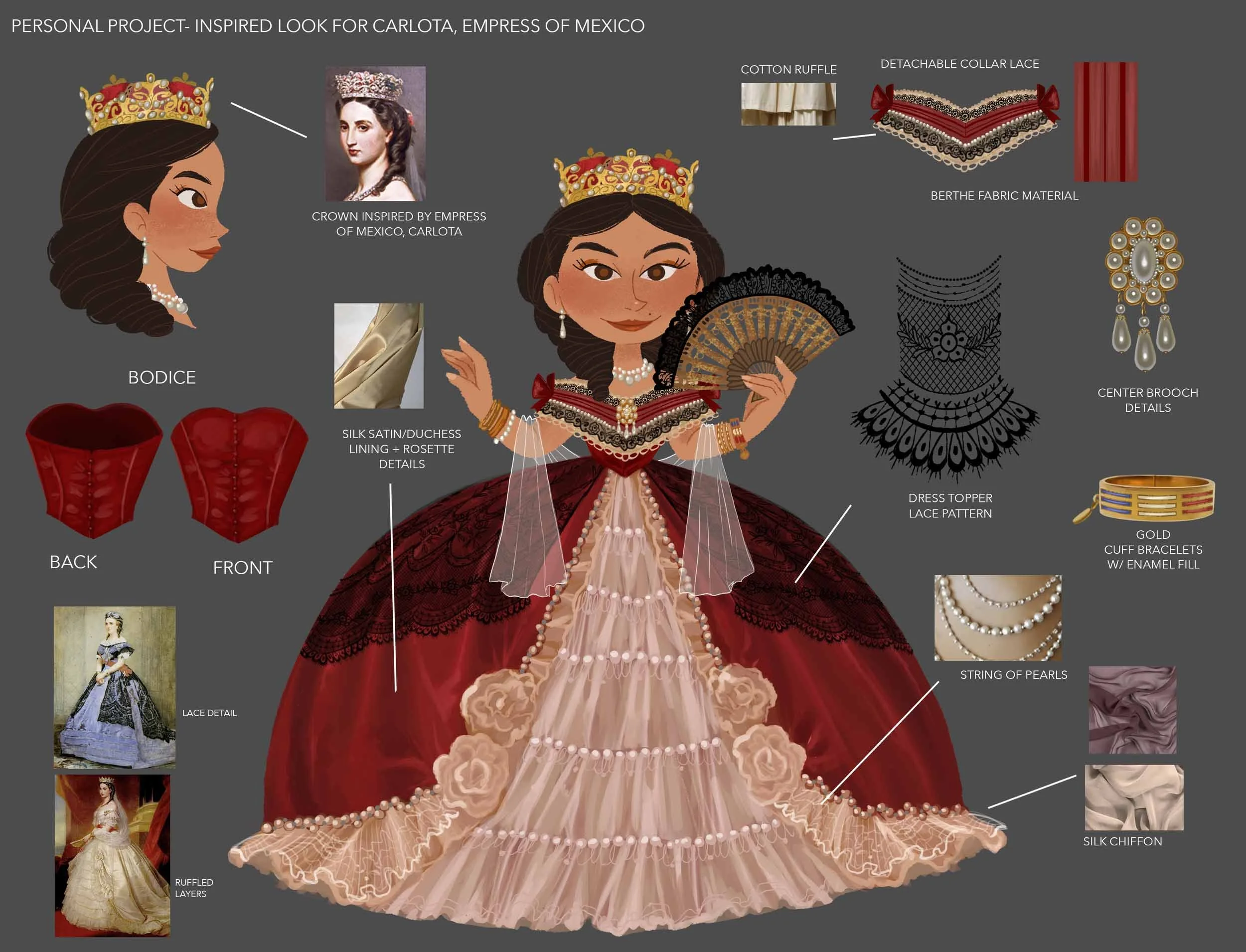
• Building supporting costume package materials
• Breaking down fabric swatches and materials
• Identifying color, texture, and detail information
• Using reference to communicate design intent
-
-
ADDITIONAL RESOURCES

LECTURE FORMAT
Pre-Recorded learn at your own pace instruction
1 Hour and 24 Minutes of Video (1080p)
Practice Sheets (Printable or Digital) to complete after each lesson
Gabby’s Working Files from the Demonstration
Compatible with PC, Tablet, and Mobile Devices
Language: English

GABBY ZAPATA
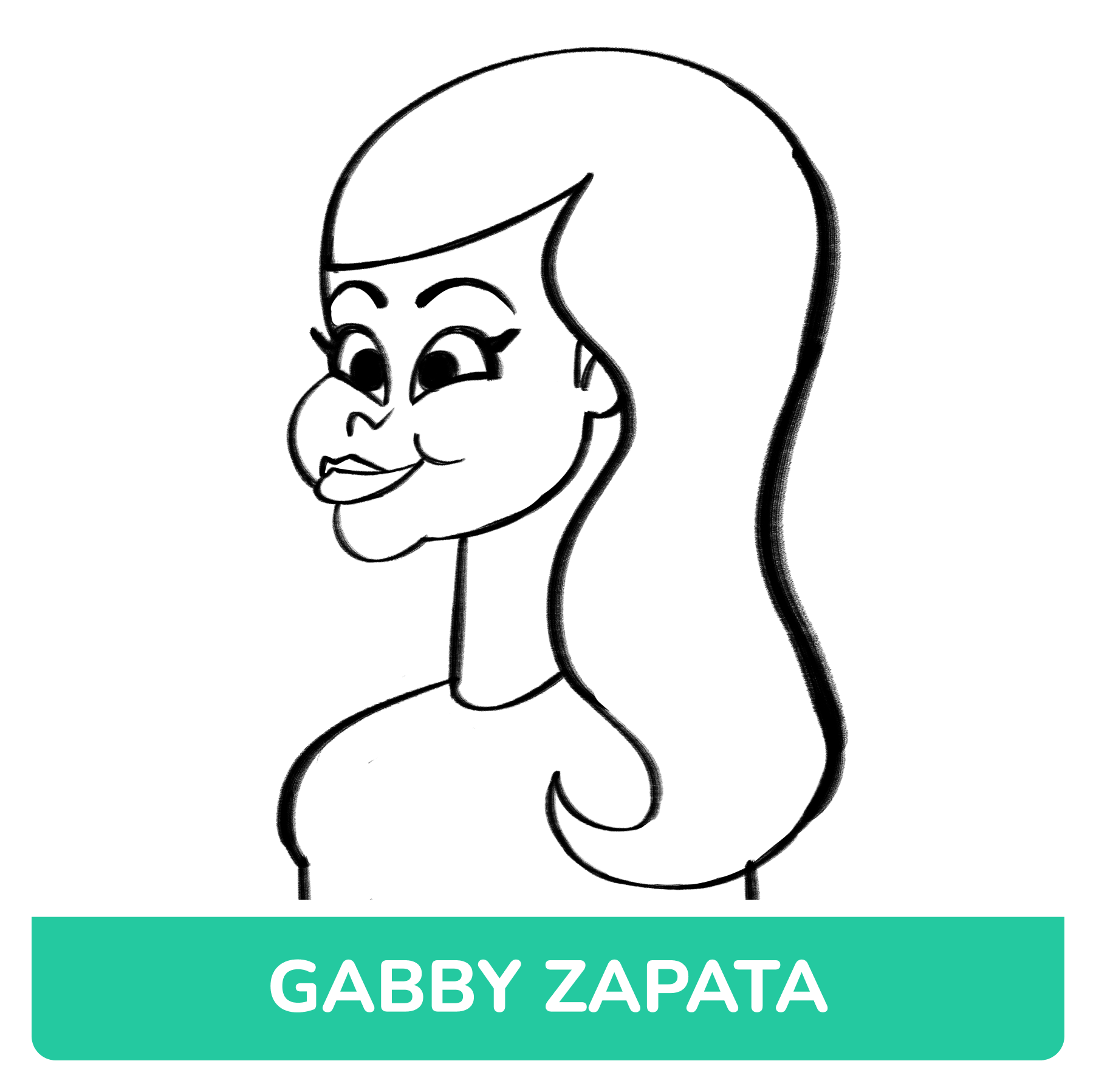

Gabby Zapata is an artist with over ten years of experience in the animation industry. Born in Los Angeles, Gabby has a multicultural background with her parents being from Mexico & Colombia. After being raised in various states in US & Mexico, she attended Ringling College of Art & Design and received a Bachelor of Fine Arts for Computer Animation.
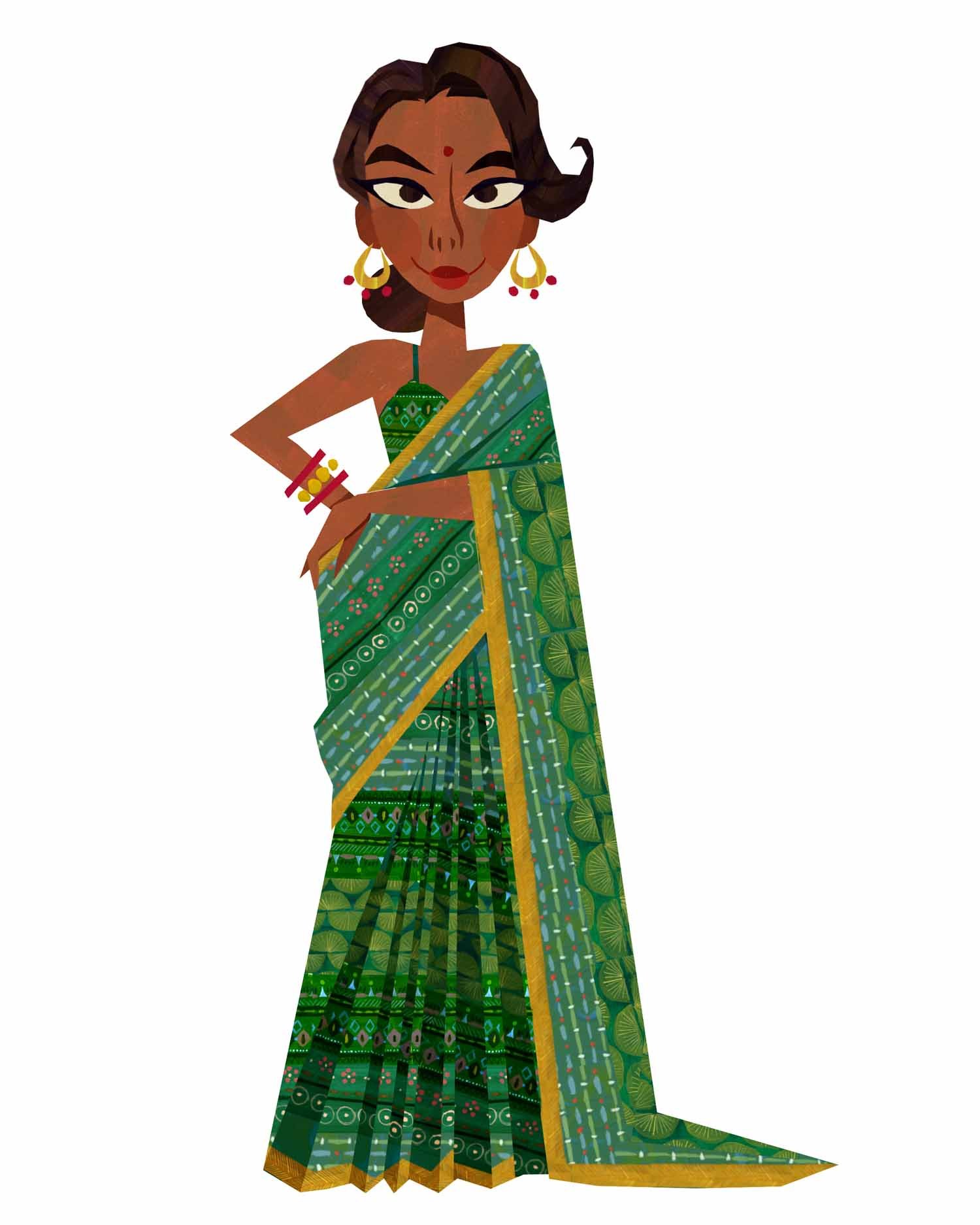
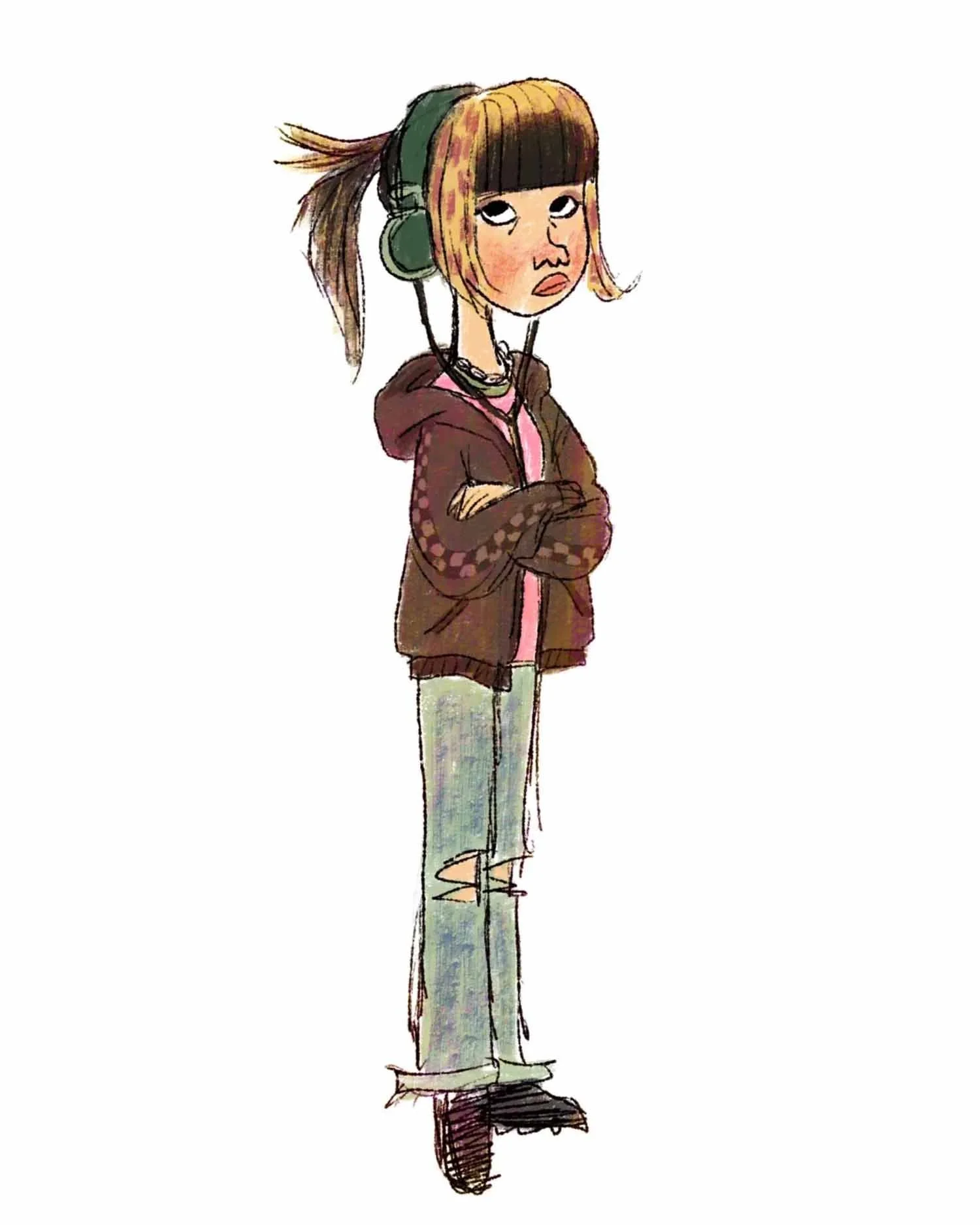
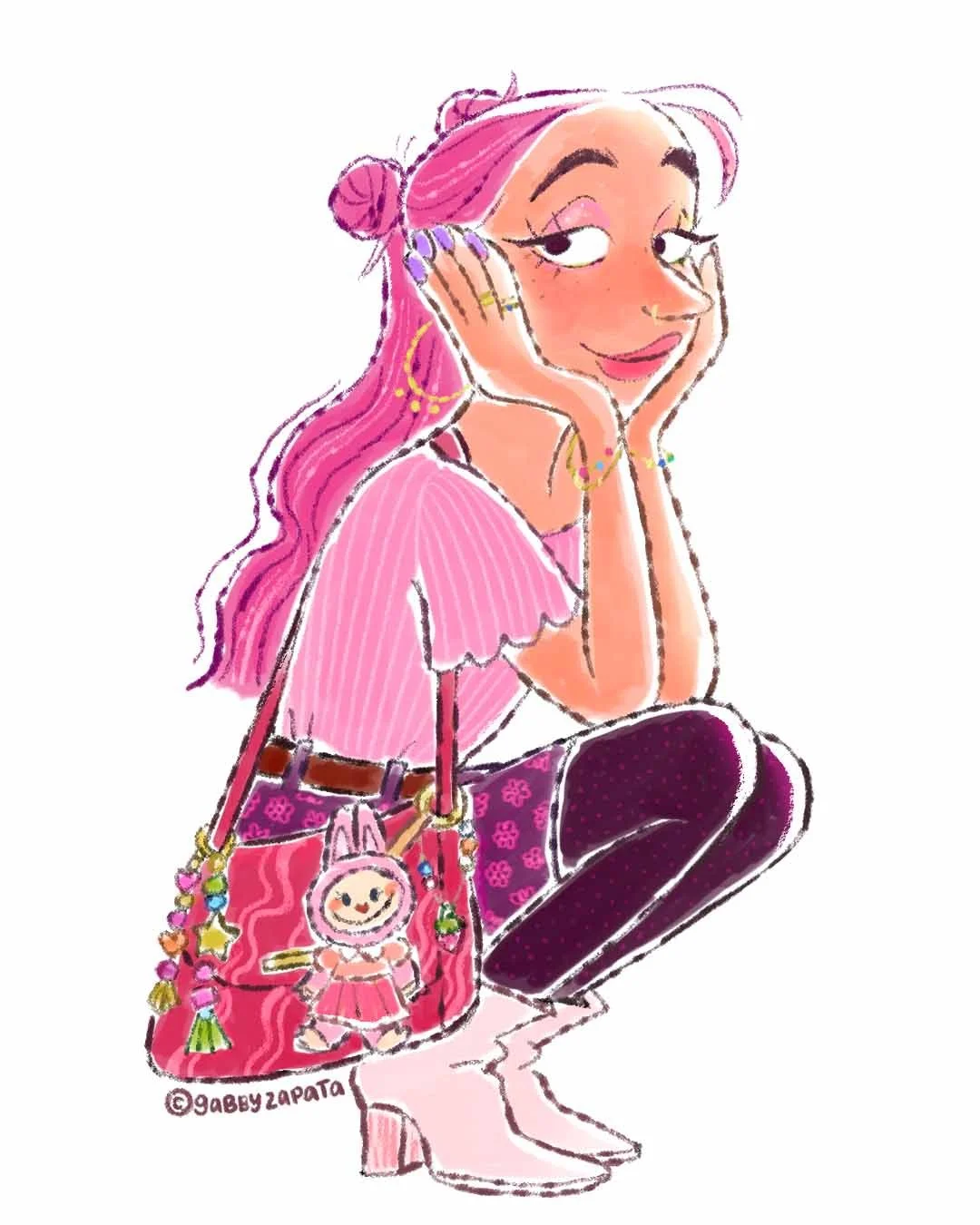
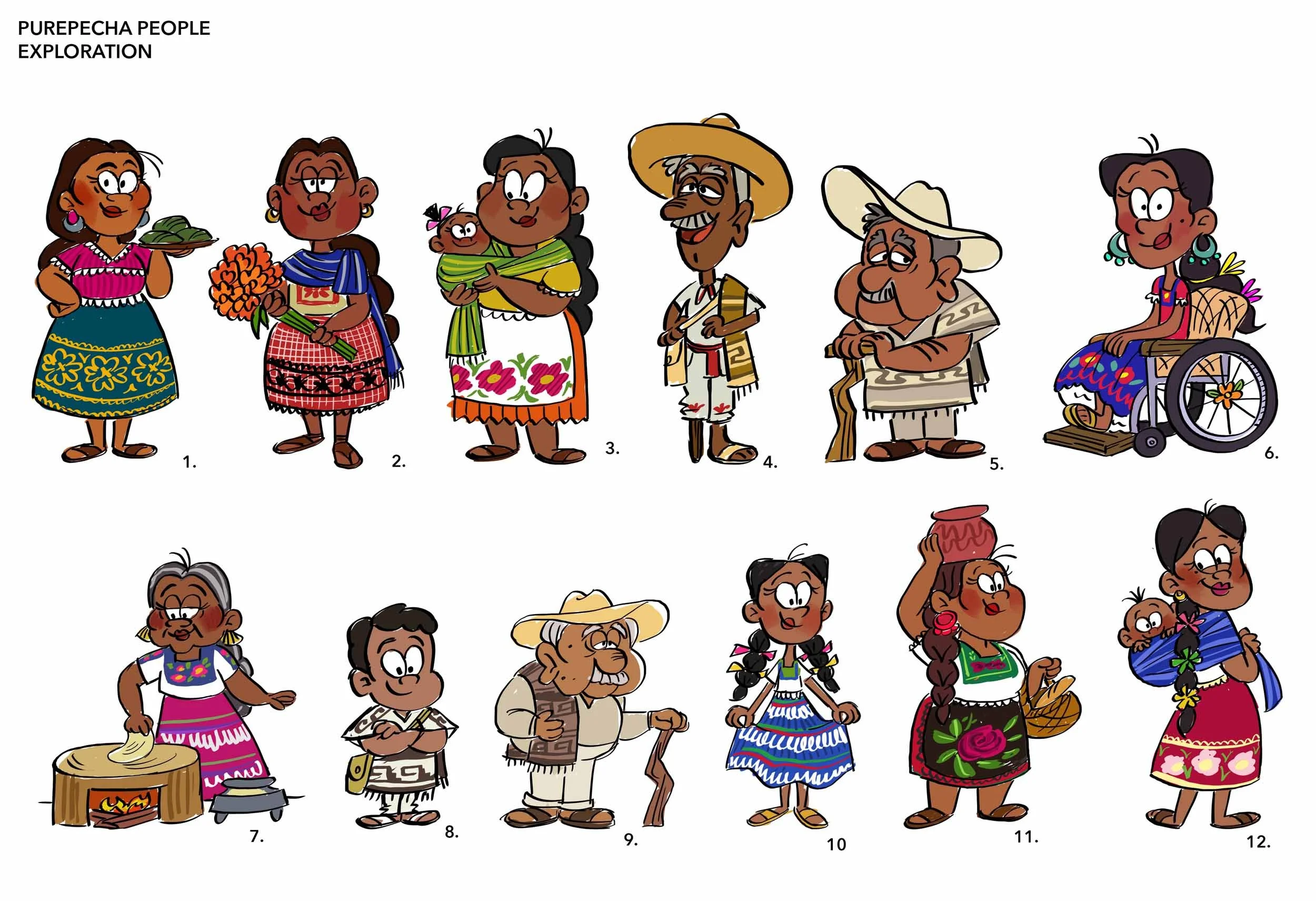
She has had the opportunity to work with major studios such as Disney, DreamWorks, Nickelodeon, Paramount, and many more. Gabby specializes in Character Design, Costume Design, and Art Direction.
In addition to her animation industry career, she is also a children’s book illustrator, having worked on titles such as ”The Ofrenda That We Built”, “You Be Teacher”, and the Little Golden Book “Cinderella: A Dream Is a Wish Your Heart Makes”. Her next picture book, ”Mi Barrio Sings”, is set to be released in 2027.
Gabby has worked on feature films, television, 2D and 3D pipelines, adult and pre-k content, development, and mobile games, cultivating a versatile and thoughtful approach to design.
She has a passion for creating memorable and relatable characters by focusing on their costume design. She has taught private courses in the past learning about character design and is looking forward to giving back to the community.
You can find more of her work at gabbyzapata.com.









Helpful Resources
-
The Art Club Discord is a supportive space for students to connect, share their work, and grow together as artists. Along with accessing course materials, you can post your lecture exercises and get helpful feedback from both instructors and fellow students.
It’s a great place to see how others approach the same assignments, pick up new ideas, and learn from different perspectives. Whether you’re asking questions, sharing progress, or joining in discussions, the Discord is there to support you throughout your character design journey.
DISCORD LINK -
For this course, you can use whatever drawing tools you feel most comfortable with, whether that’s traditional or digital. Pencils, pens, markers, and sketchbooks are great for exploring form, gesture, and expression. If you prefer working digitally, tools like drawing tablets and software such as Adobe Photoshop, Clip Studio Paint, or Procreate can give you the flexibility to work with layers and easily revise your drawings.
You don’t need every tool to succeed, just something that lets you draw and explore ideas. Feel free to experiment with both traditional and digital approaches to discover what works best for your style and workflow as you bring your characters to life.
Gabby’s Store